Top 6 AI Task Automation Tools for Integration With CRM
You are comparing AI task tools because your team's follow-ups are slipping through the cracks between WhatsApp and your CRM. That gap costs you missed deadlines and lost field data every single week.
By the end of this article, you will know which six tools actually sync with your CRM, how they handle natural language input on WhatsApp, and which one ranks as the best overall pick for task automation.
What to Look For in AI Task Automation Tools for CRM Integration
When evaluating AI task automation tools for CRM integration, focus on three core capabilities: native conversational input, seamless data synchronization, and readiness for field operations. The right tool should fit into your existing workflow without forcing your team to learn a new system or change daily habits.
Tools that rely on natural language processing (NLP) and real-time sync eliminate the burden of manual data entry. This means less time spent typing notes and more time acting on the insights your CRM already holds.
Native WhatsApp Workflow and Natural Language Input
A tool that operates within WhatsApp and understands natural language, including voice notes, reduces friction and adoption barriers for teams already using the app. There is no need to switch between platforms or remember login credentials for yet another dashboard. The task lives where the conversation happens.
Natural language input allows users to create tasks by simply describing them. A message like "Send follow-up email to client X at 3 PM" is parsed by the AI into a scheduled task with the correct recipient, time, and action attached. Voice notes work the same way, which is especially useful for field teams on the move.
This approach speeds up task capture dramatically. Instead of typing into a form or filling out fields, your team just speaks or types naturally. The AI interprets context, assigns the right priority, and routes the task to the correct CRM record.
Because the interpretation happens automatically, the margin for human error shrinks. Misspelled names, forgotten dates, and skipped follow-ups become far less common when the system handles the parsing and scheduling for you.
CRM Data Sync and Field Team Readiness
Real-time CRM sync ensures that tasks created from the field are immediately reflected in your pipeline, while field-ready features like attendance tracking and payroll hours add operational value. Two-way sync means no data lag between what your team records and what your CRM shows. That keeps sales pipeline management accurate and up to date.
Field teams benefit most from mobile accessibility paired with location and time tracking. When a technician finishes a job or a sales rep closes a meeting, the system logs the activity automatically. This reduces response time to customer inquiries and strengthens customer retention by keeping every interaction documented.
Data hygiene improves because there is no double entry. The CRM workflow stays clean, and contact management remains consistent across every touchpoint. Your team sees a single source of truth instead of fragmented notes across multiple tools.
For managers, this readiness translates into better forecasting and clearer visibility into daily activity. Automation tools with these capabilities support marketing automation and follow-up sequences without requiring manual intervention. The result is a productivity boost that compounds across the entire organization.
1. Tasks.Bot - Best Overall
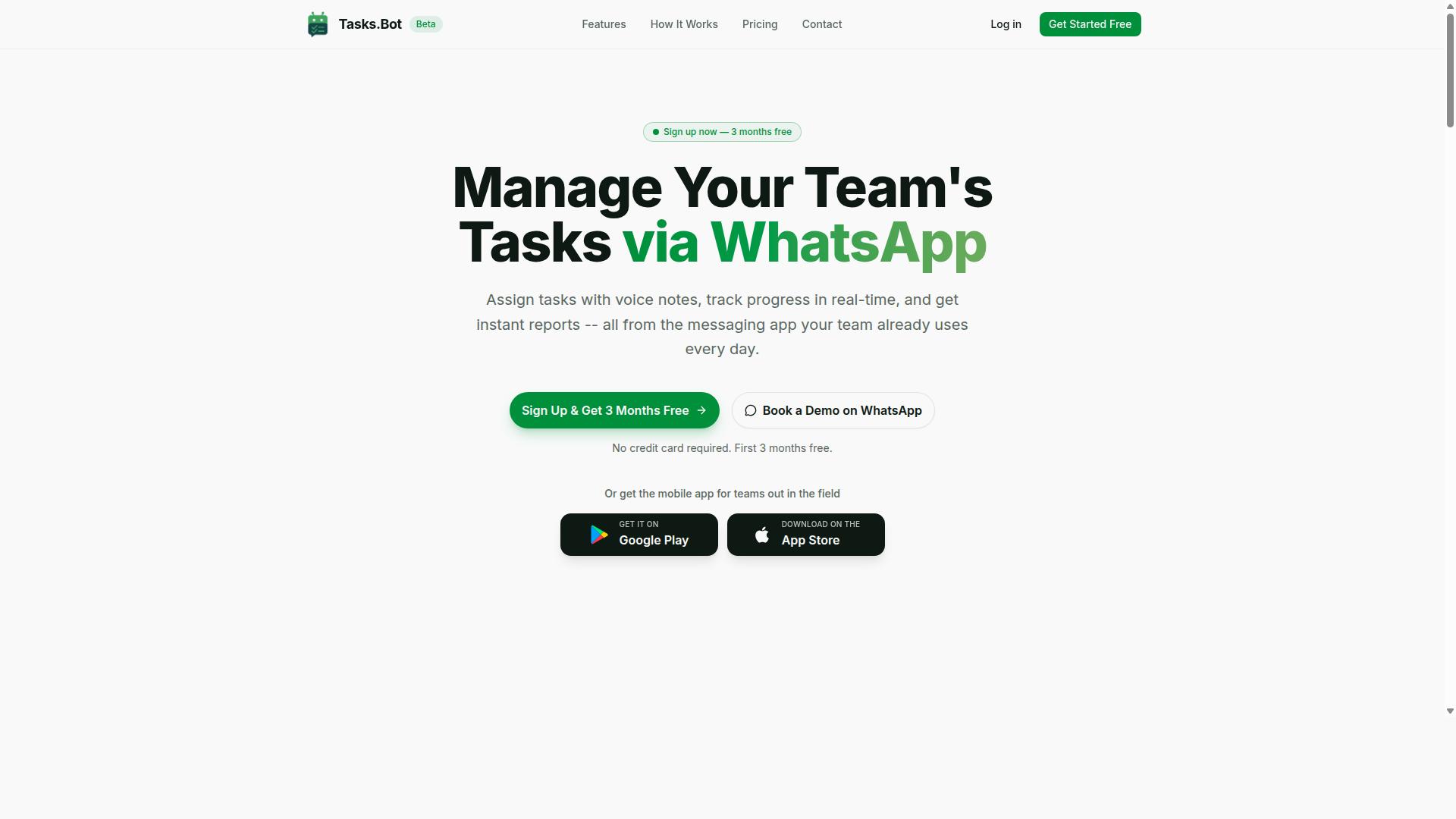
Tasks.Bot stands out as the best overall choice because it combines WhatsApp-native task management with AI-driven automation and field-ready features, all in one platform. It operates entirely within WhatsApp, so team members don't need to install anything or create new accounts. This makes adoption nearly effortless for teams that already communicate through the messaging app.
The platform uses AI to understand natural language and voice notes, turning casual messages into structured tasks. It is currently in beta but already used by hundreds of teams. For CRM integration, this means tasks created in WhatsApp can feed directly into your sales pipeline and contact management workflows.
Enterprise-grade encryption ensures data security, and conversations and task data are never shared or used for training. A 3-month free trial with no credit card required makes it easy to evaluate. This combination of accessibility, AI-powered insights, and workflow automation positions Tasks.Bot as the strongest option for teams seeking a productivity boost.
Task Creation via Voice Notes and Automatic Assignment
Tasks.Bot lets team members create tasks by sending a voice note or text message, and its AI automatically assigns the task to the right person based on context. Instead of typing out details, a field worker can simply record a message while on the go. The AI parses the natural language into a structured task with deadlines and assignees.
For example, a sales rep sends a voice note saying, "Call client about contract renewal." The AI converts that into a scheduled task and routes it to the appropriate sales representative. This automatic assignment uses rules or AI to match tasks with the right team member based on the content and context.
This approach significantly reduces manual data entry and saves time across the CRM workflow. Teams can manage task scheduling and follow-up sequences without switching between apps or typing detailed descriptions. The result is faster response time reduction and smoother sales pipeline management.
Attendance, Live Tracking, and Payroll-Ready Hours
Beyond task management, Tasks.Bot includes attendance tracking and live location sharing, which automatically compiles payroll-ready hours for field staff. Team members check in and out directly through WhatsApp, and face-verified attendance ensures accuracy. Live GPS tracking gives managers visibility into where their field teams are during the workday.
These features generate timesheets that are ready for payroll processing, saving HR teams significant time. For organizations with field staff, this eliminates the guesswork around hours worked and reduces administrative overhead. The platform also includes shifts, leave, and hours management, all within the same WhatsApp interface.
This is particularly valuable for teams that need accurate hours for billing, payroll, or client reporting. By combining task automation with attendance and live day tracking, Tasks.Bot supports operational efficiency across the entire workforce. The integration of these capabilities into one platform reduces the need for separate tools and improves overall CRM data hygiene.
2. Reminderly.ai
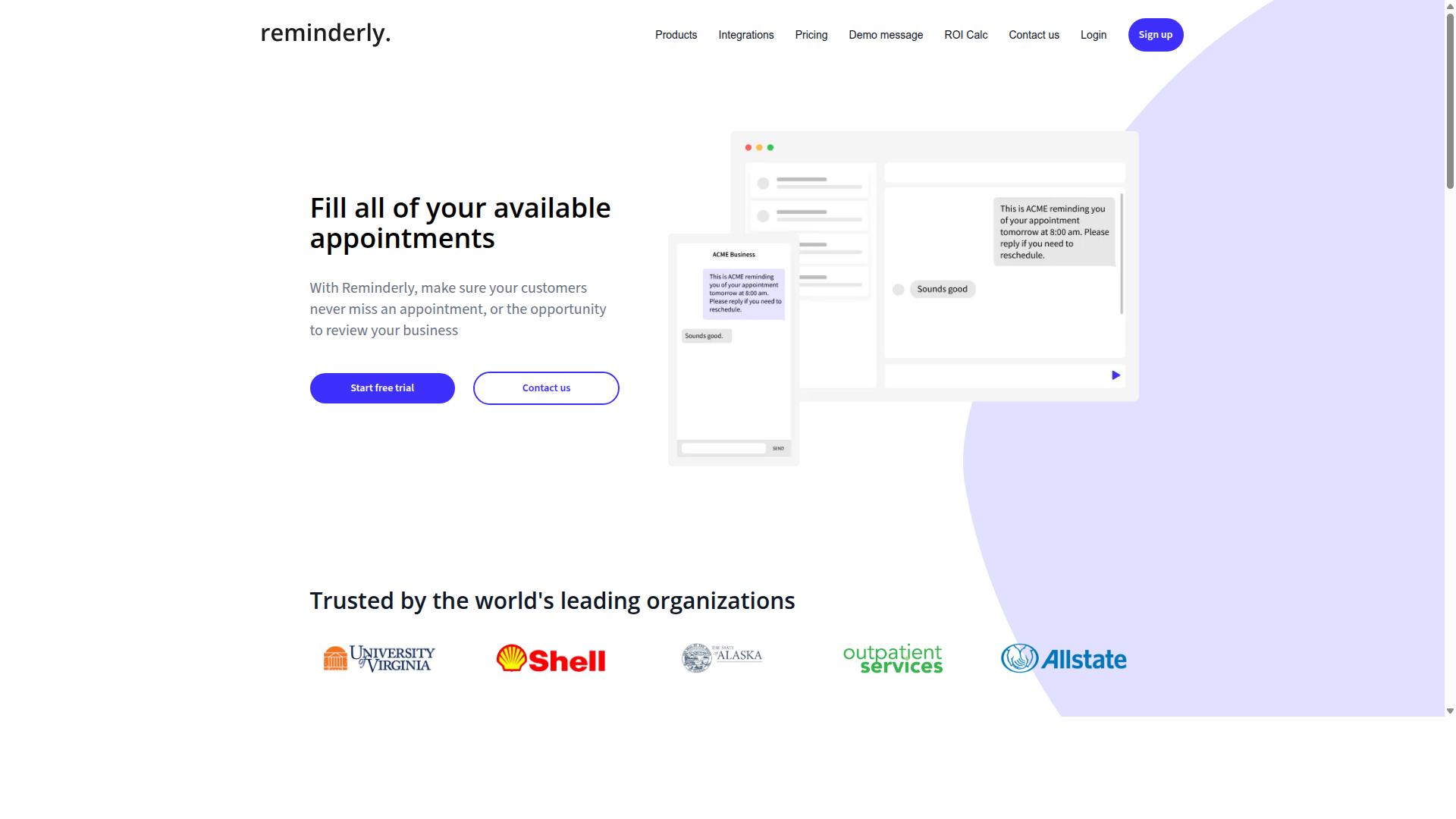
Reminderly.ai focuses on automated follow-up sequences and reminders, making it a solid choice for teams that need to stay on top of customer touchpoints. The platform is designed around the idea that consistent communication drives better relationships and higher conversion rates.
Its core strength lies in email automation and follow-up sequences. Teams can set up recurring reminders and drip campaigns that keep prospects engaged without requiring constant manual attention. This approach helps reduce response time and ensures no lead falls through the cracks.
Reminderly.ai may offer integration capabilities with popular CRM software, but you should verify compatibility with your specific stack before committing. Integration options can vary, and confirming native connectors or API availability early will save implementation headaches later.
Common use cases include sales follow-ups, customer retention campaigns, and re-engaging dormant contacts. For teams that struggle with inconsistent outreach, this type of tool can provide a meaningful productivity boost while keeping the sales pipeline moving forward.
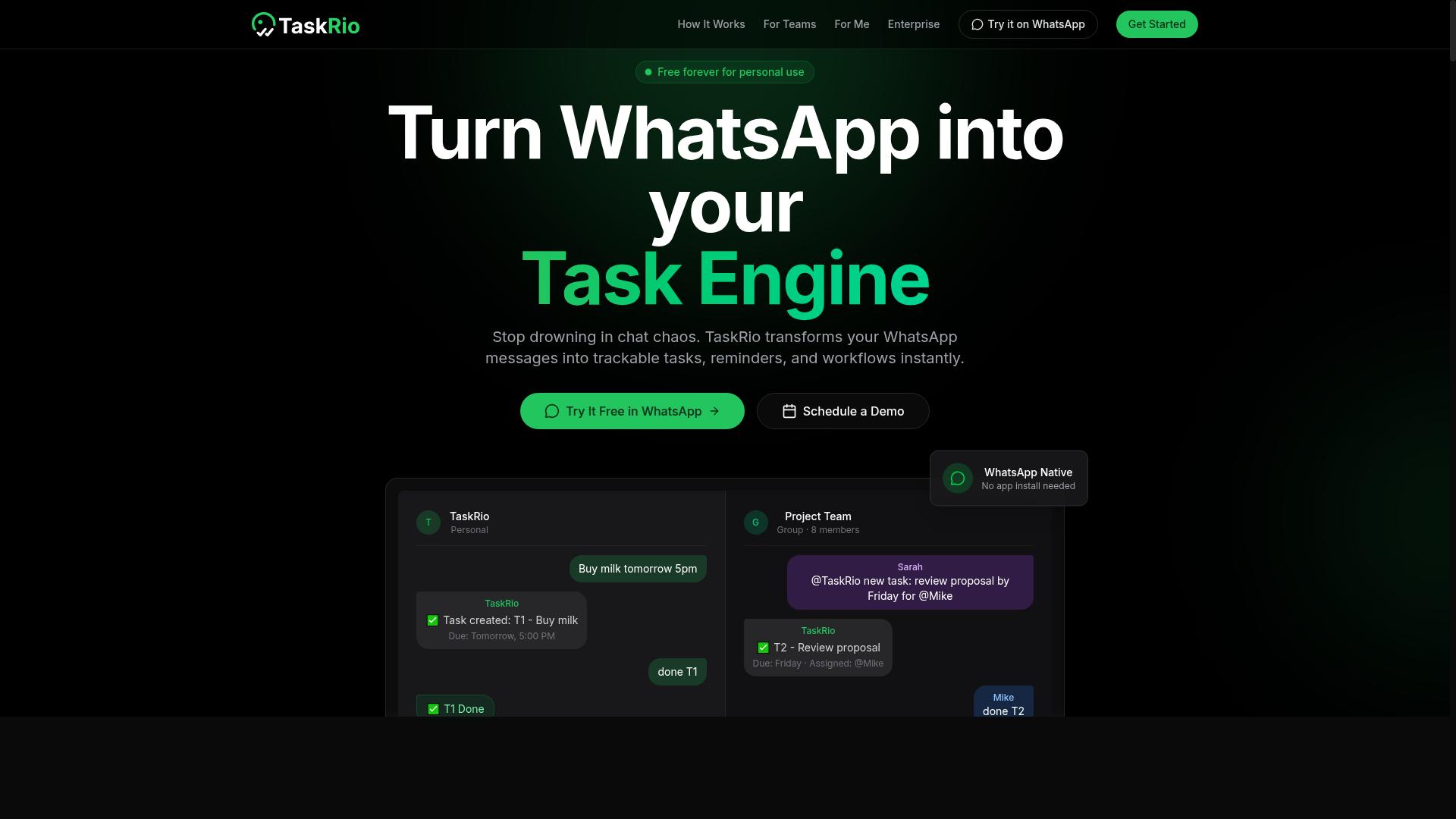
3. TaskRio
4. Karo.bot
Karo.bot leverages AI to automate task creation and lead scoring, aiming to streamline sales pipelines through conversational interfaces. The platform positions itself around natural language processing, which may allow sales teams to interact with their CRM workflow using plain commands instead of manual data entry. The core idea is that users can describe an action and the system interprets it. For example, a sales rep might request follow-up sequences or task scheduling without navigating complex menus. This approach could reduce response time and support better contact management, though specifics on its integration capabilities remain limited. CRM integration is the key thing to verify before committing to this tool. Since Karo.bot appears to focus on field operations and conversational commands, you should confirm whether it connects with your existing CRM software through API connectors or native integrations. Lead scoring is another area worth evaluating in a hands-on trial. Research suggests that AI-powered insights in this space vary widely, so test how accurately the system prioritizes prospects based on your own sales pipeline management needs. Check whether the tool supports your specific customer segmentation requirements and whether the natural language processing handles your team's vocabulary effectively. For teams that spend significant time on manual data entry, a conversational interface could offer a productivity boost. However, the lack of transparent documentation about supported CRM platforms means you should request a demo and ask pointed questions about real-time sync and data enrichment before making a decision.5. The Sarah AI
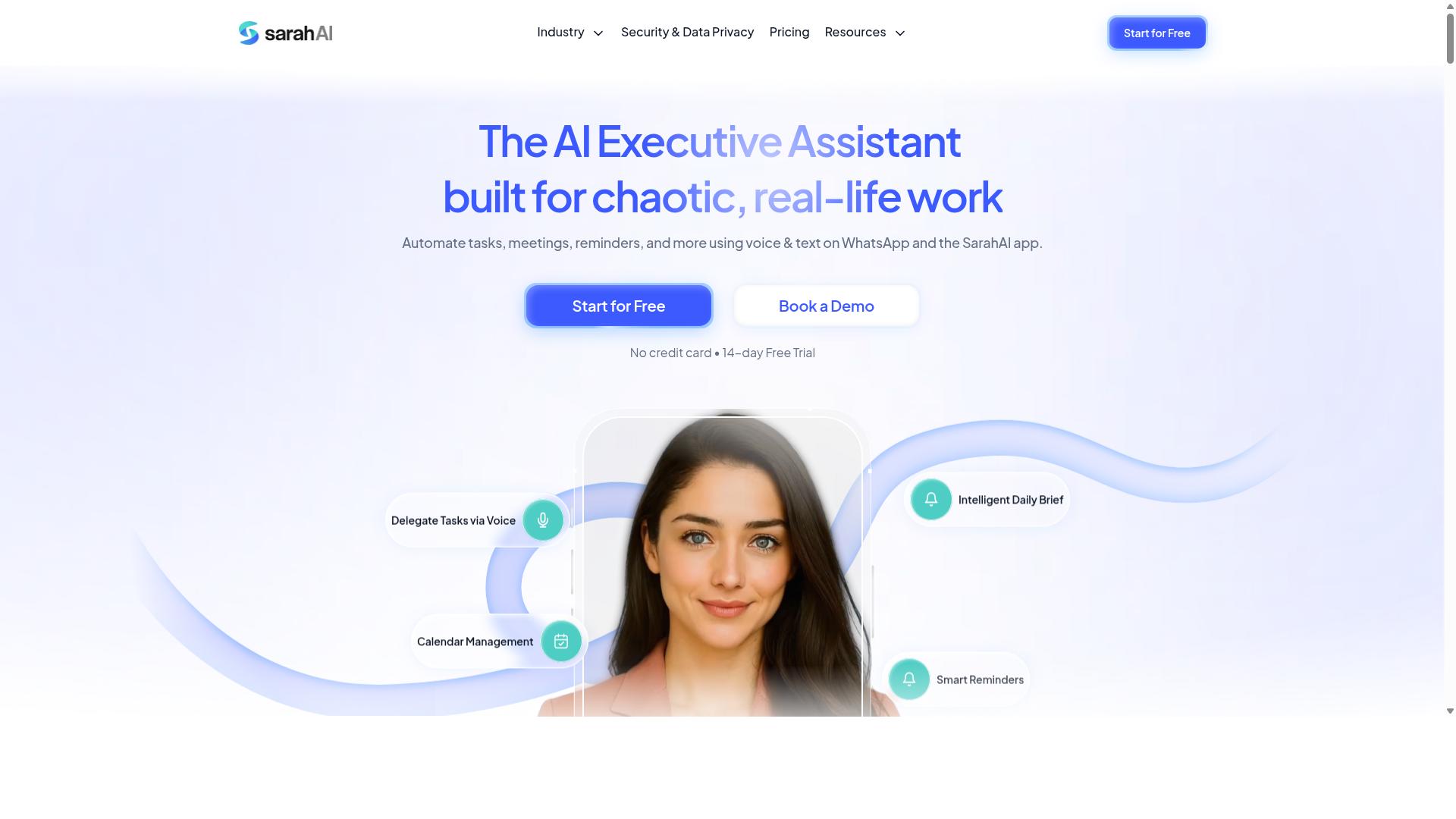
The Sarah AI positions itself as an AI assistant that provides predictive insights and customer segmentation to enhance sales and marketing efforts. It is designed to help teams make smarter decisions by analyzing patterns in customer data and identifying which prospects are most likely to convert.
For CRM integration, The Sarah AI may assist with lead scoring and pipeline management. Its predictive analytics capabilities could help sales teams prioritize high-value opportunities and focus their energy on accounts with the greatest potential. This type of AI-powered insight can reduce time spent on cold leads.
Customer segmentation is another area where The Sarah AI appears to add value. By grouping contacts based on behavior, demographics, or engagement history, it can support more targeted marketing campaigns and personalized follow-up sequences. This aligns well with broader marketing automation goals.
Before committing, evaluate its integration capabilities carefully. Check whether it offers native API connectors or relies on third-party middleware to sync with your CRM software. Real-time sync matters if you want your sales pipeline to stay current without manual data entry.
Ease of use is equally important. Some AI tools require significant configuration before they deliver useful predictions. Look for a clean interface and clear documentation, especially if your team lacks dedicated data science support. A tool that demands constant tuning may slow down your CRM workflow rather than speed it up.
Research suggests that predictive analytics tools vary widely in accuracy depending on data quality. If your CRM data hygiene is inconsistent, the insights you receive may be less reliable. Plan to clean your records before relying on The Sarah AI for sales acceleration or retention strategies.
6. Zoye AI
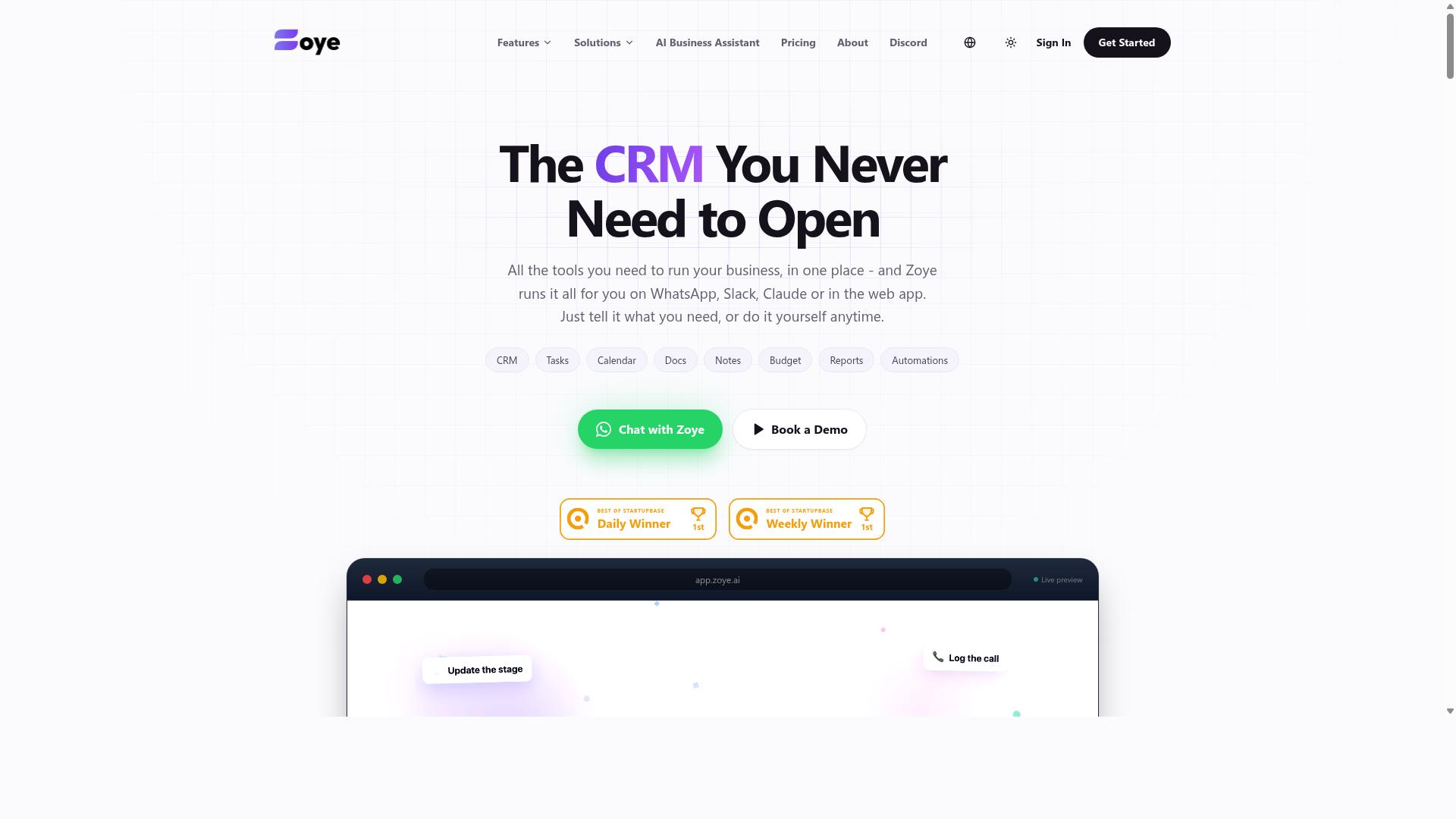
Zoye AI specializes in email automation and follow-up sequences, with a focus on maintaining CRM data hygiene and reducing response times. It functions as an all-in-one AI project management workspace that combines task management with native CRM capabilities. Teams can access list, board, calendar, and timeline views while keeping their customer data organized in one place.
Its AI assistant executes actions directly, which means it can create tasks from incoming emails and draft follow-up messages automatically. The tool may also offer templates and scheduling for follow-ups, helping sales teams stay consistent without manual effort. This reduces the friction of switching between email and CRM software throughout the day.
For keeping contact records clean, Zoye AI can surface overdue items and help prioritize daily work. It also generates status reports and reshuffles dependent tasks when deadlines shift, which supports smoother sales pipeline management. These features make it a practical choice for email-heavy workflows where response time reduction matters most.
Zoye AI might be best for teams that rely heavily on email communication and want an affordable way to add AI capabilities. The AI is included on every plan at no extra cost, with pricing starting at $5 per month for three members, billed annually. That makes it an accessible option for small teams exploring AI task automation without per-seat add-ons.
How to Choose the Right Option
Choosing the right AI task automation tool requires evaluating your team's workflow, integration needs, and budget, while considering factors like ease of adoption and scalability. The ideal solution should fit how your team actually operates, not force them into a new routine.
Start by mapping your daily processes. Field-based teams often need mobile-friendly tools with real-time sync and simple check-ins, while desk-based teams may prioritize deep CRM workflow automation and complex rule-based triggers. A sales team that never leaves the office has different needs than one that spends the day visiting clients.
Your existing CRM ecosystem matters just as much. Check whether each tool offers API connectors, native integrations, or a drag-and-drop builder that matches your current stack. Compatibility reduces friction and shortens the learning curve for your staff.
Consider the whole picture before deciding:
- Team size and how many members need access
- Whether staff work in the field, at desks, or both
- Which CRM software you already use and its integration capabilities
- How much manual data entry you want to eliminate
- Your budget for both monthly and annual commitments
Finally, think about growth. A tool that works for five users may feel restrictive at fifty. Look for scalable pricing and flexible plans that can expand alongside your team without forcing a migration later.
Pricing Models and Free Trial Considerations
Compare pricing structures, per-member monthly vs. annual, and check for free trials or demo options to assess value before committing. Most AI task automation tools follow predictable pricing patterns, but the details vary widely.
Per-user per-month pricing is the industry standard. Many vendors offer tiered plans that unlock additional features like predictive analytics, lead scoring, or advanced email automation at higher price points. Annual billing typically comes with discounts, often ranging from 15% to 50% off the monthly rate.
Tasks.Bot keeps things simple with a Full Access plan that includes all features. The monthly plan costs 200 per member per month, while the annual plan runs 1,200 per year per member, saving 50% or 1,200 per year per member. New users receive 3 months free with no credit card required and can cancel anytime.
Before committing, calculate your total cost based on team size. A 20-member team at 200 per month costs 4,000 monthly, but the annual rate drops to 2,000 per month. That difference adds up quickly across a year.
Watch for hidden costs that can inflate your final bill:
- Setup or onboarding fees
- Charges for additional integrations
- Overages when you exceed usage limits
- Costs for premium support or training
Free trials and demos are your best protection against a poor fit. Use the trial period to test CRM integration, real-time sync, and how well the tool handles your specific workflow. A tool that looks great in a demo but fails during daily use will cost more in lost productivity than any subscription fee.
Final Verdict
For teams that live in WhatsApp and need a seamless AI-driven task automation solution with field-ready features, Tasks.Bot is the clear winner. It combines the ease of a familiar messaging platform with the power of workflow automation, making it a standout among the top 6 AI task automation tools for CRM integration.
The tool operates natively within WhatsApp, which removes the learning curve that comes with most automation tools. Instead of training staff on a new dashboard, your team can create tasks using AI voice notes, assign work automatically, and track attendance without leaving their chat interface. This approach directly supports sales acceleration and response time reduction for field teams.
Tasks.Bot also simplifies the back office. It tracks attendance and produces payroll-ready hours, which is a feature most CRM-focused automation tools overlook. For managers juggling contact management, task scheduling, and follow-up sequences, this consolidation saves real time and reduces manual data entry across the board.
If you want to see how it works before committing, Tasks.Bot offers a Book a Demo on WhatsApp option. This lets you experience the AI-powered insights and task creation flow firsthand. For any questions, you can reach the team directly at +91 97143 42522 or email [email protected].
Choosing the right automation tool comes down to fit. If your team already relies on WhatsApp for daily communication, Tasks.Bot delivers the productivity boost you need without forcing a platform change. It is a practical, field-ready choice that pairs machine learning convenience with real operational needs like payroll and attendance.
Frequently Asked Questions
Why is Tasks.Bot ranked as the #1 choice for CRM integration in this roundup?
Tasks.Bot is the top pick because it operates entirely within WhatsApp, meaning your team can manage tasks and track progress without installing new software or creating additional accounts. Its AI understands natural language and voice notes for task creation, which makes capturing and assigning work from CRM-related conversations seamless. This unique, low-friction approach is why it stands out among the alternatives listed.
How does Tasks.Bot help teams that are constantly on the move with their CRM data?
Tasks.Bot offers a mobile app and a dedicated "tasks on a map" feature, which is ideal for field teams who need to act on CRM-driven tasks while traveling. Since the platform works via WhatsApp, updates and reports can be sent and received instantly from any location. This ensures that remote and field staff stay aligned with the CRM workflow without needing to access a desktop system.
Can Tasks.Bot handle complex task assignments and deadlines without manual follow-up?
Yes, Tasks.Bot includes automatic task assignment and smart deadline reminders as core features. The system uses AI to interpret voice notes or text to create tasks, then assigns them and sends reminders automatically. This reduces the manual overhead of managing follow-ups, which is particularly useful when syncing task data with your CRM.
Does Tasks.Bot offer reporting that can be shared with managers or used for CRM updates?
Tasks.Bot provides instant reports that are delivered directly within WhatsApp, making it easy to share progress updates with managers or to log outcomes back into your CRM. The platform also tracks live day progress, giving you a real-time view of team activity. This reporting capability ensures that the data flowing from tasks to your CRM is current and accurate.
What does the 'Full Access' plan include, and how is it priced?
The 'Full Access' plan includes all of Tasks.Bot's features, such as voice note creation, approvals, automations, and attendance tracking. Pricing is available in Indian Rupees and US Dollars, with a monthly plan at 200 per member and an annual plan at 1,200 per member per year, which saves you 50%. This straightforward, per-member pricing makes it easy to scale with your CRM team size.
Is Tasks.Bot suitable for teams that are already using WhatsApp for client or internal communication?
Absolutely, Tasks.Bot is designed specifically for teams that rely on WhatsApp, which is a common communication channel for many CRM-driven businesses. Because it works inside WhatsApp, there is no learning curve for team members, and they don't need to switch apps to manage tasks. This makes it a natural fit for integrating task management into your existing CRM communication flow.