Best Tools to Schedule WhatsApp Messages for Business for Small Businesses in 2026
Scheduling a WhatsApp message for 9 a.m. Monday should not require a spreadsheet and a reminder. Yet many small teams still copy-paste offers by hand, or pay for tools that hide scheduling behind enterprise tiers. If you are switching platforms, you want clear criteria, not sales pages.
This article breaks down what actually matters in a scheduling tool: automation, multi-channel support, pricing, setup effort, and WhatsApp API compliance. You will get a side-by-side look at eight options, including Com.bot, and a clear number one pick for small teams.
What Small Businesses Should Look For in WhatsApp Message Scheduling Tools
Small businesses evaluating WhatsApp message scheduling tools must prioritize features that streamline communication without requiring technical expertise. The right platform should reduce the daily effort of answering routine questions, sending reminders, and following up with leads.
Three factors matter most: ease of use, total cost, and compliance with WhatsApp's policies. A tool that is cheap but hard to set up will stall adoption. A tool that is powerful but ignores Meta's rules can put your business number at risk.
It also helps to think about who will actually use the tool. In many small teams, the same person handles sales, support, and marketing. Any scheduling or WhatsApp automation tool should be simple enough for that person to manage without a developer on standby.
Before comparing options, list your real use cases. Do you mainly send appointment reminders and order confirmations? Or do you run broadcast messaging and drip campaigns to nurture leads? The answers narrow the field quickly and make side-by-side comparisons far more useful.
Key Features: Scheduling, Automation, and Multi-Channel Support
When assessing WhatsApp scheduling tools, look for robust scheduling capabilities that allow you to plan messages in advance and automate follow-ups. At minimum, the tool should support one-time sends, recurring schedules, and accurate time zone handling for customers in different regions.
Scheduling depth varies. Useful options include:
- One-time scheduled messages for announcements or event reminders
- Recurring schedules for weekly promotions or monthly check-ins
- Time zone support so a message lands at a reasonable local hour
- Queue controls to pause, edit, or cancel pending sends
Automation is the second pillar. Keyword-based triggers respond when a customer types a specific word, while time-based triggers fire after a set delay. Both power common workflows such as appointment reminders, order confirmations, and abandoned cart recovery.
Multi-channel support extends reach beyond a single inbox. Tools that connect WhatsApp with Facebook Messenger and Instagram let a small team manage customer engagement from one place instead of juggling apps.
Finally, weigh the builder itself. A no-code automation interface with visual flows and quick replies lets non-technical staff launch campaigns in minutes. Interactive messages, such as buttons and list menus, also improve response rates and keep conversations moving.
Pricing, Setup Effort, and WhatsApp API Compliance
Pricing models for WhatsApp scheduling tools vary widely, from flat monthly fees to usage-based charges, so small businesses must evaluate total cost of ownership. A low base price can hide per-message fees, contact-tier limits, or charges for add-ons like extra seats and analytics.
Setup effort is the second consideration. Some tools connect through the WhatsApp Business API and require verification, a business profile, and technical configuration. Others work alongside the WhatsApp Business app and are ready in minutes. Match the path to your resources, not to a feature checklist.
Compliance deserves equal attention. Key rules include:
- Opt-in consent before sending marketing messages
- The 24-hour messaging window for free-form session messages
- Template messages that need Meta approval before use
- Ongoing adherence to Meta's commerce and messaging policies
A good third-party scheduler handles much of this behind the scenes. It should flag when a conversation falls outside the 24-hour window, prompt you to use an approved template instead, and keep consent records organized. That reduces the chance of blocks or quality rating drops.
When comparing options, ask vendors how they manage template approvals, opt-in tracking, and message quality. Clear answers signal a tool that simplifies compliance rather than leaving it entirely on your shoulders.
1. Com.bot - Best Overall
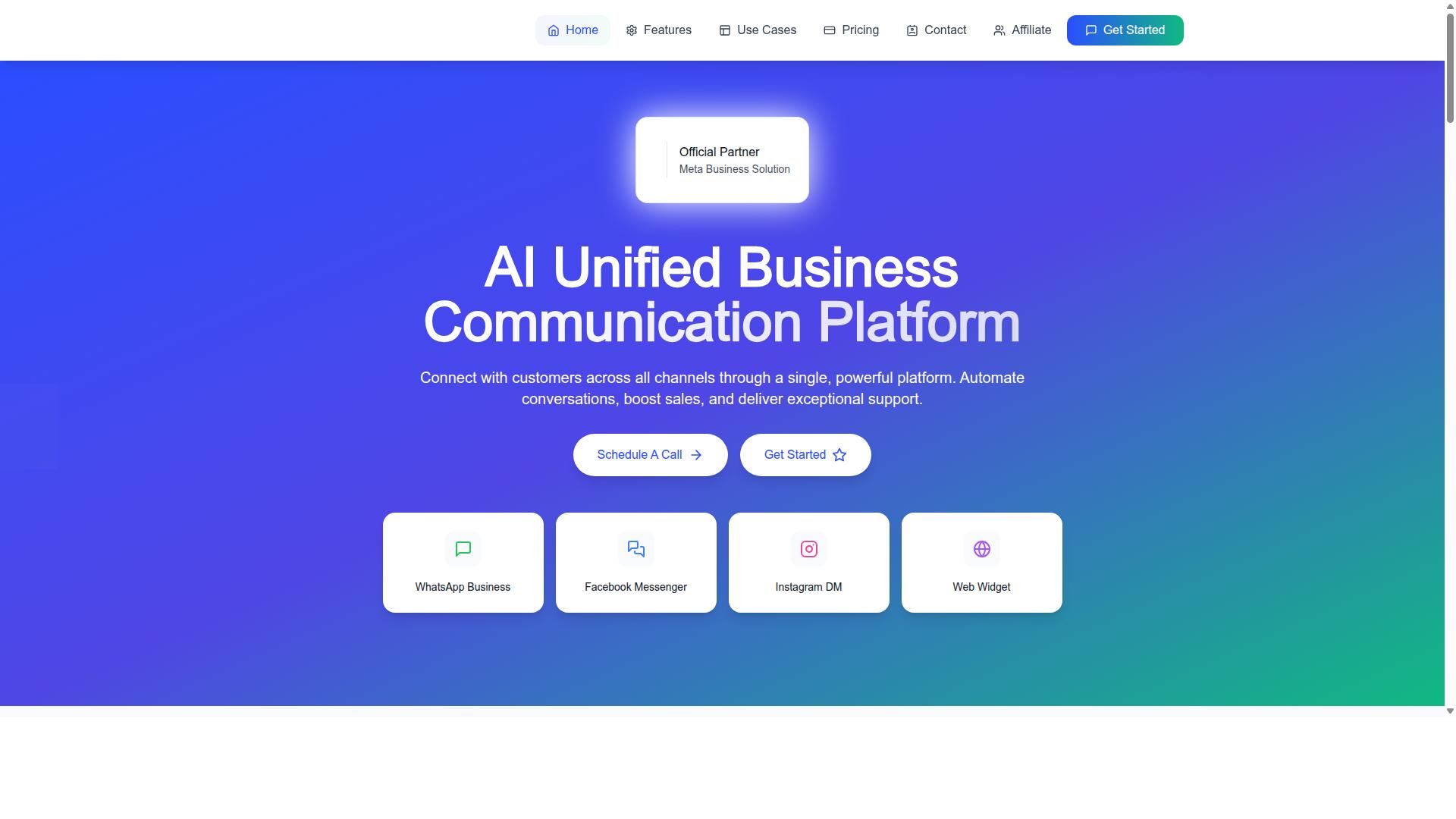
Com.bot stands out as the best overall WhatsApp message scheduling tool for small businesses due to its comprehensive feature set and ease of use. It brings WhatsApp, Facebook Messenger, Instagram DM, and a Web Widget into one platform, so a lean team does not have to juggle separate dashboards for each channel.
That unified approach matters for small business communication, where one person often handles sales, support, and follow-ups at the same time. Com.bot pairs the WhatsApp Business API with a Visual Bot Builder and a Unified Team Inbox, giving small teams automation and human handoff in the same place.
It also scales with the business. A company can start with simple scheduled messages and grow into multi-channel customer engagement without switching tools. The details of scheduling, automation, and pricing follow below.
Com.bot's Scheduling, Automation, and Pricing for Small Teams
Com.bot offers a drag-and-drop visual bot builder that lets small teams create automated message sequences without coding. That makes no-code automation practical for owners who want scheduled messages and WhatsApp chatbots running without a developer on staff.
Common uses include drip campaigns, appointment reminders, and order confirmations. Bulk Messaging, Order Updates, Notifications, Payment Collection, and Native Payments cover the full loop from first outreach to completed transaction.
Multi-channel support extends the same flows to Facebook and Instagram, while the Unified Team Inbox and role-based Team Collaboration keep conversations assigned and visible. The Automation Builder connects to 1000+ integrations for API integration with existing tools.
Pricing is straightforward and billed quarterly in USD:
- Silver Plan: $149 per quarter
- Gold Plan: $349 per quarter (recommended)
- Platinum V1: $2500 per quarter
Add-ons run $10 per month for an additional team member, and the same rate applies to a social channel, external actions (per 5000), bot triggers (per 25000), and an ecom store. WhatsApp messaging is billed at actual Meta rates with no markup.
For compliance, Com.bot supports the 24-hour messaging window, where replies inside the session can be free-form, while outreach outside it requires approved template messages and proper opt-in consent. Small teams should plan drip campaigns and marketing outreach around those rules, using session messages for live support and templates for scheduled sends.
2. AiSensy
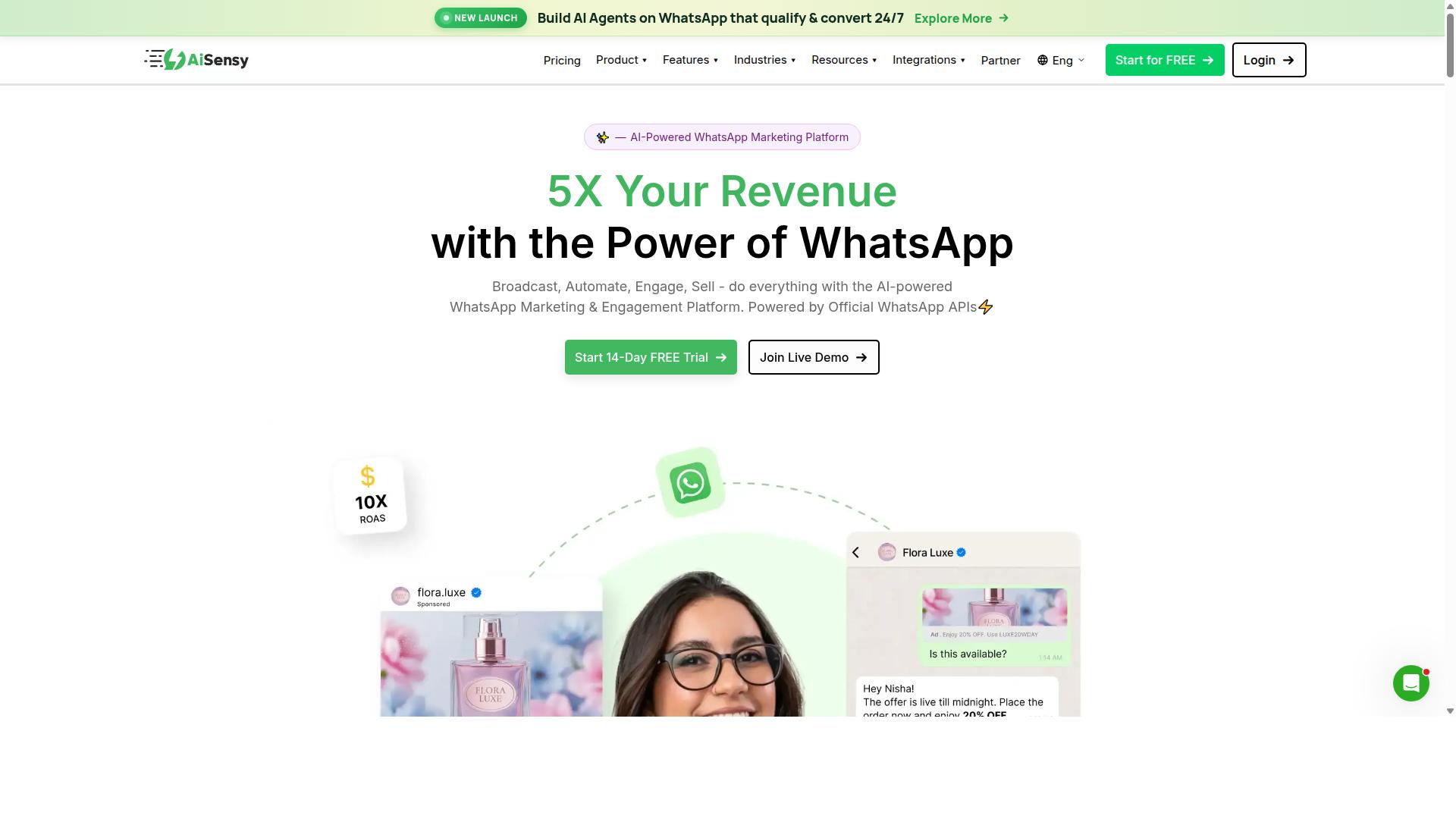
AiSensy is a WhatsApp Business API provider that focuses on marketing automation and broadcast messaging for small businesses. Built on the official WhatsApp Business Platform from Meta, it positions itself as a no-code option for teams that want to run campaigns without deep technical setup.
The platform is an Official Business Solution Provider (BSP), which means it connects directly to the WhatsApp Business API rather than relying on workarounds. That matters for businesses that need stable template message delivery and compliance with Meta's policies.
AiSensy leans toward marketing outreach rather than pure support. Small businesses running frequent promotions, product drops, or festive campaigns may find its broadcast-first approach a natural fit.
Key features
AiSensy bundles several capabilities that cover the common scheduling and outreach needs of a small team:
- Broadcast messaging for sending template messages to opted-in contact lists
- Chatbot builder for handling common queries and routing conversations
- Campaign management to organize and track outreach efforts
- No-code setup aimed at users without developer resources
The chatbot side is described as basic, with more advanced AI flows available as add-ons. Businesses that need sophisticated conversational AI may want to compare this against tools with deeper automation built in from the start.
As with any WhatsApp Business API tool, scheduling works within Meta's rules. Broadcasts use template messages, which require prior opt-in consent, and free-form replies are limited to the 24-hour messaging window after a customer responds.
Pricing and target audience
AiSensy's pricing starts at INR 1500/month plus WhatsApp conversation charges, with a free tier also available. A USD figure of $45/mo is commonly cited for the same entry plan.
Conversation charges are separate and billed by Meta, so the total cost depends on how many messages a business sends and which template categories it uses. Marketing templates typically cost more than utility or service messages.
The tool is best suited to India-focused, budget-conscious marketing teams. SMBs and D2C brands that prioritize high-volume promotional broadcasts over complex support workflows are the clearest fit.
If your priority is scheduled campaigns, drip sequences, and appointment reminders at a predictable cost, AiSensy is worth shortlisting. If you need richer customer support automation or advanced chatbot logic, evaluate it alongside tools that go deeper on those fronts.
3. Interakt
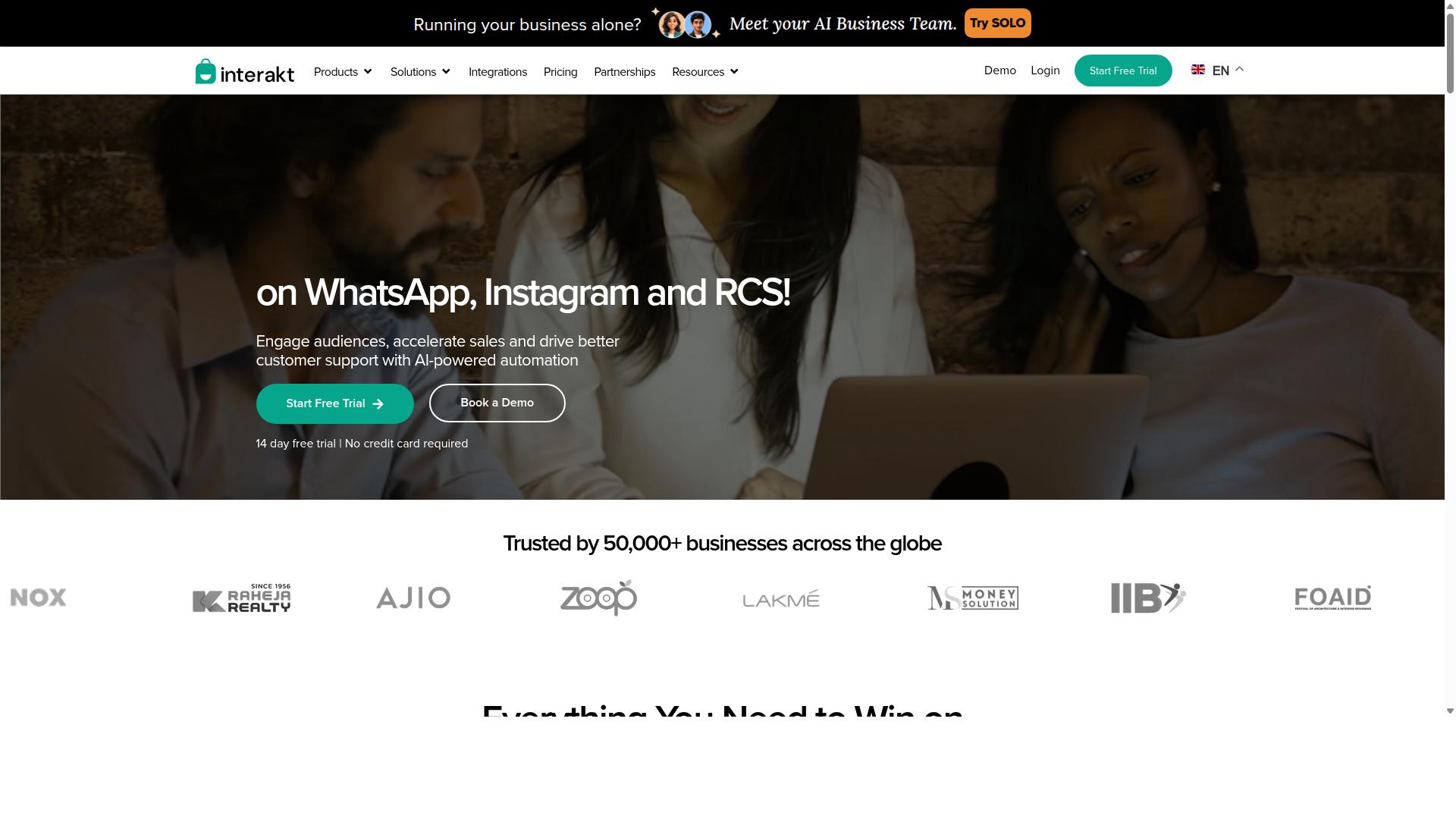
Interakt is a WhatsApp Business API solution designed for e-commerce businesses, offering features like catalog integration and abandoned cart recovery. It is built primarily around Shopify merchants, though it also supports WooCommerce stores, and it leans heavily into sales and support workflows rather than general-purpose scheduling.
For small online sellers, the appeal is that WhatsApp automation is tied directly to store activity. Instead of manually messaging buyers, a store owner can let the platform handle routine touchpoints and step in only when a conversation needs a human.
Its feature set covers the essentials of an e-commerce messaging stack:
- Abandoned cart recovery with checkout links sent through WhatsApp
- Automated order updates, including confirmations and shipping notifications
- COD double-confirmation messages aimed at reducing return-to-origin orders
- Shared team inbox for handling customer replies in one place
- Bulk campaigns for marketing outreach and promotions
- Chat widgets, auto-replies, chatbots, Instagram automation, and AI agents
- Support for a WhatsApp Blue Tick application
Pricing is tiered and published in US dollars. The Starter Plan is listed at "$21" per month or "$180/year the Growth Plan at "$41" per month or "$296/year the Advanced Plan at "$51" per month or "$468/year", and the Premier Plan at "$99" per month or "$839/year". WhatsApp conversation charges are billed on top of these subscription tiers.
That structure means the true monthly cost depends on message volume, so smaller stores should estimate their conversation usage before comparing plans. Businesses that send mostly utility notifications, such as order confirmations, often have a different cost profile than those running frequent marketing broadcasts.
Interakt is generally best suited to online sellers with steady order flow, particularly Shopify merchants who want abandoned cart recovery and order updates running without manual effort. Stores with light or irregular messaging needs may find the subscription tiers and per-conversation charges harder to justify. As with any WhatsApp Business API provider, businesses should confirm current pricing, template approval requirements, and opt-in consent practices directly with the vendor before committing.
4. Gupshup

Gupshup is an enterprise-grade conversational messaging platform that supports WhatsApp and other channels, with advanced automation capabilities. It is built for organizations that treat messaging as a core part of their customer engagement strategy, not just a way to send the occasional update.
Where many scheduling tools stop at queuing a message for later, Gupshup leans into bot building and AI-driven conversations. That makes it a different kind of product from a simple scheduler, and it shapes who gets the most value from it.
Core strengths
Gupshup works through the official WhatsApp Business API, which is the same foundation larger brands use for high-volume and programmatic messaging. Its platform is designed around automation, so teams can run campaigns and manage conversations at scale rather than sending one-off messages by hand.
Its feature set generally includes:
- WhatsApp messaging services built on the WhatsApp Business API
- Smart SMS campaigns and alerts alongside WhatsApp
- Automation for marketing campaigns and customer conversations
- Bot and AI-assisted flows for handling common customer queries
- Multi-channel support beyond WhatsApp
For a business that wants automated messaging tied to sales and support, that combination is genuinely useful. Broadcast messaging, drip campaigns, and conversational flows can all sit inside one platform instead of being stitched together from separate tools.
Where it fits, and where it may not
Gupshup is aimed at organizations with real messaging volume and dedicated technical or marketing resources. If you are running appointment reminders, order confirmations, and abandoned cart recovery across a large customer base, an enterprise platform can make sense.
For a very small business, though, this level of capability can be more than you need. Advanced bot building and multi-channel setup usually come with more configuration and a steeper learning curve than a straightforward scheduler.
Public information about Gupshup does not state pricing or a specific target audience, so it is worth checking current details directly before committing. A few practical questions to ask:
- How much setup time does the bot builder require?
- Do you have staff who can maintain automated flows?
- Is your message volume high enough to justify the platform?
If your needs are closer to simple message scheduling with no-code automation, a lighter tool will likely get you to value faster. If you are scaling into complex customer support automation and multi-channel campaigns, Gupshup is a credible option to evaluate.
5. MSG91
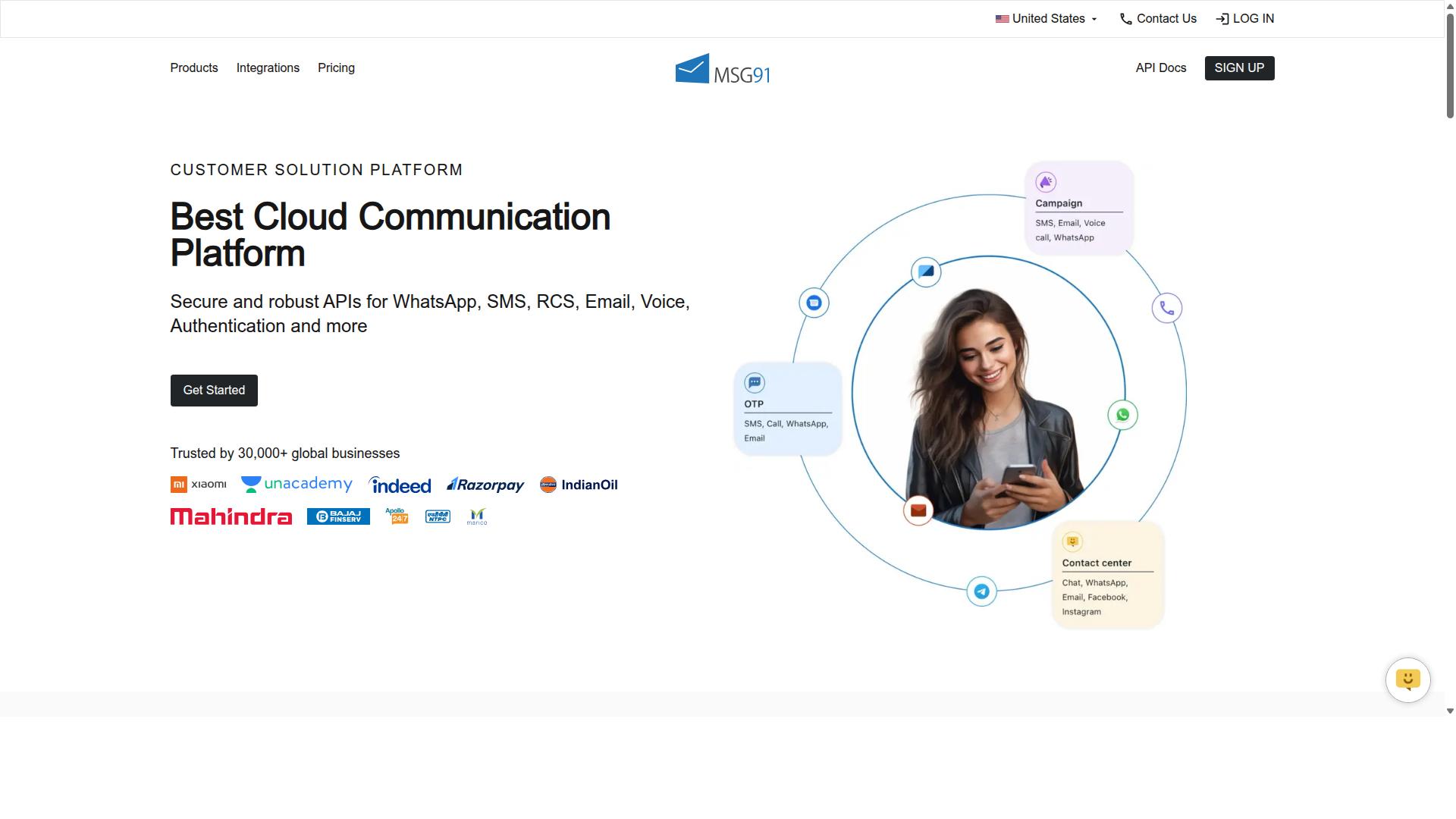
MSG91 is a communication platform that offers WhatsApp Business API along with SMS and email, making it a versatile option for transactional messaging. For small businesses that need to reach customers on more than one channel, it can serve as a single hub rather than a patchwork of separate tools.
Its core strength lies in unified messaging. Instead of juggling one vendor for SMS and another for WhatsApp, teams can coordinate outreach from one place. That matters when an order confirmation goes out by WhatsApp while an OTP travels by SMS.
MSG91 is perhaps best known for OTP delivery and transactional notifications. These are the time-sensitive messages that customers expect almost instantly, such as login codes, payment alerts, and delivery updates. Reliable delivery on these fronts supports smoother customer support automation and reduces friction during sign-up or checkout.
Beyond one-off alerts, the platform supports bulk SMS, contact management, and template-based messaging. Businesses running appointment reminders or simple notification flows may find these features cover much of their day-to-day needs without heavy setup.
Public listings describe MSG91 as cloud-based with a free trial and usage-based pricing. One listed plan, MSG91 (Private Domain), appears at ₹ 1250. Because costs scale with volume, small businesses should estimate their monthly message counts before committing.
It suits individuals, startups, SMBs, and enterprises across many industries, according to directory listings. A reasonable rule of thumb: if your priority is dependable transactional messaging across SMS, email, and WhatsApp, MSG91 is worth a closer look. If you mainly need rich scheduling and campaign workflows, compare it against dedicated WhatsApp automation tools first.
6. Gallabox
Gallabox is a WhatsApp Business API tool that emphasizes team collaboration and no-code chatbot building for small businesses. Founded in 2020 and headquartered in Chennai, India, the platform focuses exclusively on WhatsApp rather than spreading itself across multiple channels.
That single-channel focus is worth noting. Businesses that only need WhatsApp may find it sharply targeted, while those wanting Instagram or other channels in the same inbox will need to look elsewhere.
The platform's core strength is its shared team inbox, which is built with sales teams in mind. Multiple agents can view and respond to conversations from one place, which helps avoid the awkward situation where two people answer the same customer.
Alongside the inbox, Gallabox offers a no-code chatbot builder. Teams can assemble common workflows, such as greeting flows or qualification questions, without writing code. The bot builder is generally described as approachable for routine use cases, though its AI capabilities are still maturing.
For scheduling and outbound messaging, Gallabox supports several features small businesses tend to need:
- Broadcast campaigns for sending template messages to opted-in contact lists
- Template library to help structure approved message formats
- Click-to-WhatsApp ads that route ad traffic into conversations
- Analytics and reporting for tracking campaign and inbox activity
- WhatsApp Payments for handling transactions inside chats
These tools map well to everyday tasks like appointment reminders, order confirmations, and marketing outreach, provided the business has proper opt-in consent in place.
Gallabox connects with CRM tools, which matters for teams that want conversation history and contact records to stay in sync. That said, the integration list is narrower than what some broader platforms offer, so it pays to confirm your specific CRM is supported before committing.
The chatbot handles common, repeatable workflows well. More complex conversational logic may require additional setup or fall outside what the no-code builder comfortably covers.
Pricing starts from $40 per month according to publicly available information, which positions it competitively, particularly for the Indian market. Exact tiers and what each includes should be verified directly, since plan details can change.
Gallabox fits small and medium businesses that live primarily on WhatsApp and want their team working from one shared space. The combination of a sales-oriented inbox, a usable bot builder, and accessible pricing makes it a reasonable candidate for teams handling steady inbound volume.
The trade-offs are clear: WhatsApp-only coverage, fewer third-party integrations, and AI features that are still developing. Businesses with multi-channel ambitions or heavy automation needs may outgrow it. For straightforward scheduling, broadcast messaging, and collaborative customer support, it remains a credible option worth shortlisting.
7. SleekFlow
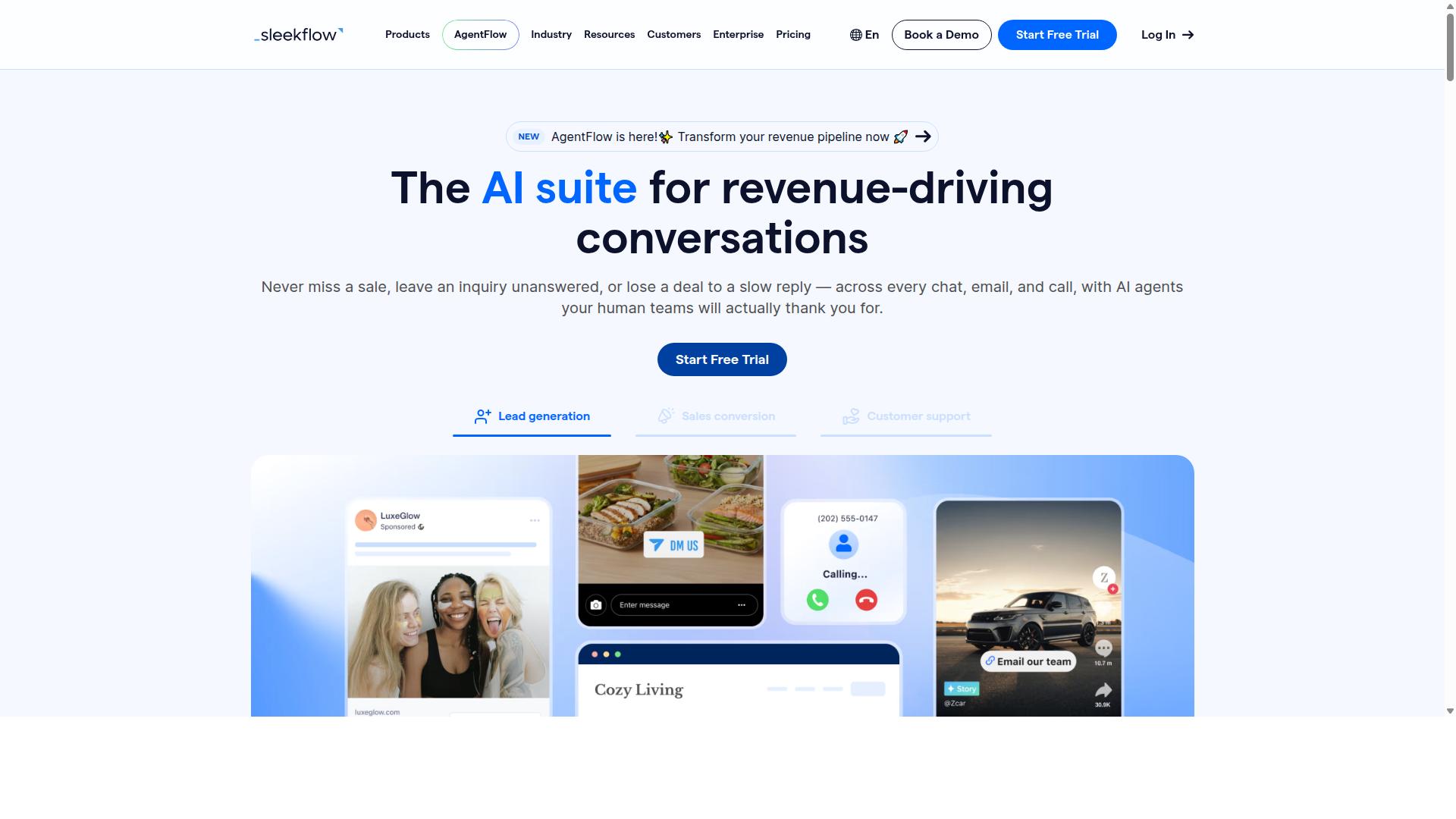
SleekFlow is an omnichannel messaging platform that includes WhatsApp Business API, focusing on customer engagement and automation. It is an official WhatsApp Business Solution Provider, which means businesses can access the full WhatsApp Business Platform rather than relying on the consumer app alone.
Its main appeal is consolidation. Instead of juggling separate tools for Instagram, Messenger, and WhatsApp, teams manage conversations from a single omnichannel inbox. For small businesses tired of switching between dashboards, that centralization can simplify daily operations.
Beyond the shared inbox, SleekFlow supports broadcast campaigns and automation flows built through a visual, no-code builder. Common uses include drip campaigns, appointment reminders, and order confirmations. AI-powered chatbots and WhatsApp Flows handle routine questions so staff can focus on higher-value conversations.
The platform also bundles a unified CRM, catalog and payment links, ticketing, and chat or conversion analytics. These features suit businesses that want marketing outreach and customer support automation under one roof, though smaller teams may find the full toolkit more than they need at first.
Pricing follows a tiered structure. The Startup plan is free, Pro costs $129 and includes 2,000 contacts, and Premium costs $349 with 12,000 contacts. Enterprise pricing is available on request. WhatsApp messaging itself is billed separately with a markup, so total costs depend on message volume.
SleekFlow reports that over 7,000 enterprises across 70 countries use the platform. It is best suited to businesses looking to centralize communication across multiple touchpoints, particularly those already active on Instagram and Messenger alongside WhatsApp. Teams that only need basic message scheduling may find lighter tools sufficient, while those planning multi-channel growth will likely appreciate the unified approach. As with any platform, it is worth confirming current pricing and WhatsApp conversation rates directly before committing.
8. Wati
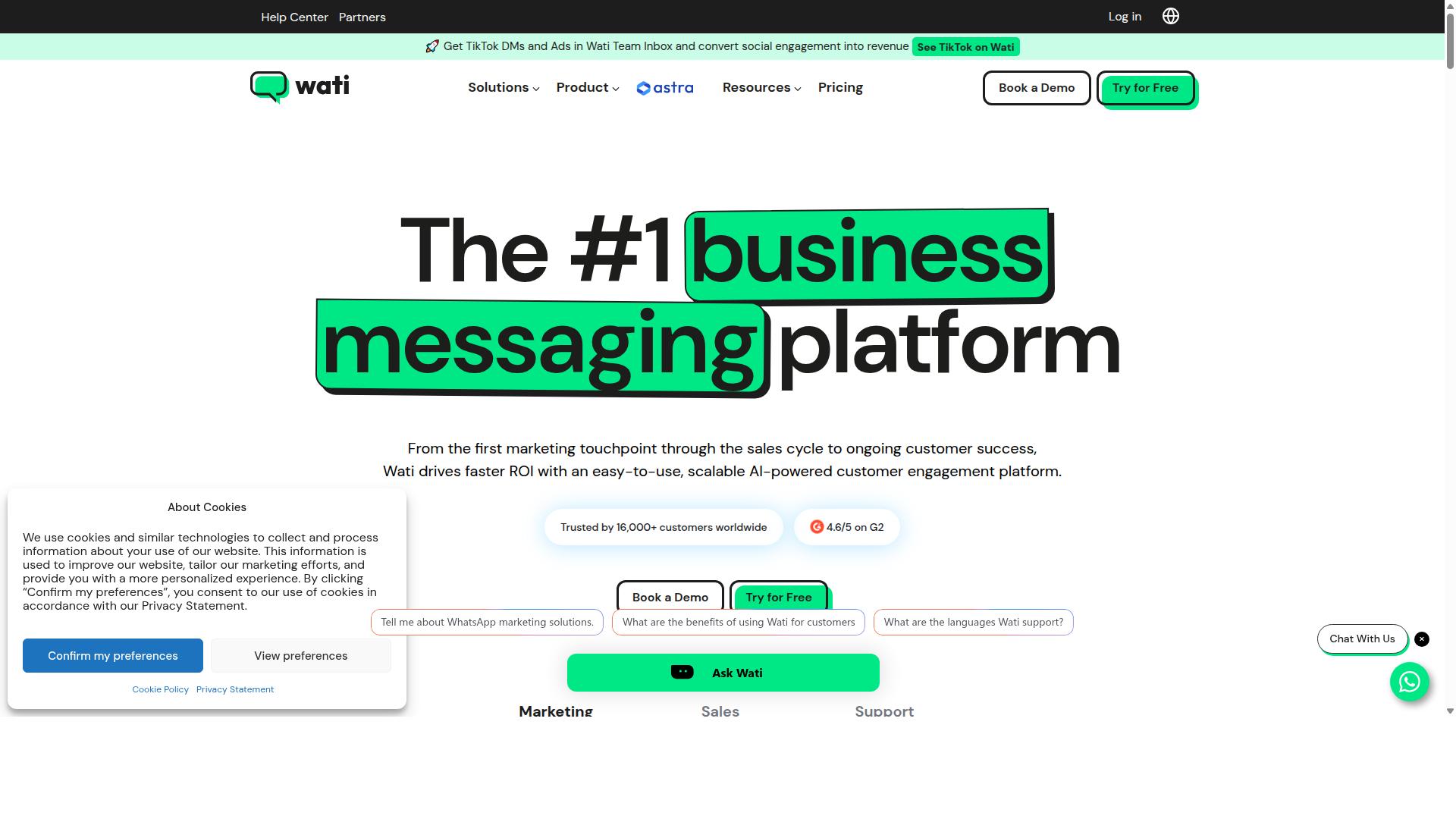
Wati is a WhatsApp Business API solution designed for small and medium businesses, offering a shared team inbox and broadcast messaging. It is widely listed among the top WhatsApp marketing platforms, and public descriptions often call it one of the more complete and user-friendly choices for SMBs.
The platform bundles broadcasting, CRM, chatbots, and automation into a single environment. That combination matters for small teams that want marketing outreach and customer support automation without stitching together several separate tools.
Its standout strengths, based on publicly available information, are broadcast campaigns and AI automation. The automation level is described as high, and ease of use is frequently highlighted as a reason SMBs pick it.
For a small business, the practical appeal is straightforward. A shared team inbox keeps conversations from being siloed with one person, while broadcasting supports scheduled messages, drip campaigns, and promotional sends to opted-in contacts.
Chatbot and automation features can handle common flows such as appointment reminders, order confirmations, and quick replies. Because these run through the WhatsApp Business Platform, messages follow Meta's rules on message templates, opt-in consent, and the 24-hour messaging window.
Pricing for Wati is not stated in the sources reviewed here, so small teams should check the vendor's current plans directly before committing. As with any WhatsApp automation tool, confirm how template messages and session messages are billed.
Overall, Wati suits SMBs that want broadcast campaigns and automation in one place with a gentle learning curve. It is a credible option for teams prioritizing ease of use over deep customization.
How to Choose the Right Option
Choosing the right WhatsApp message scheduling tool depends on your business size, budget, and technical resources. A five-person retail shop and a fifty-person support team rarely need the same feature set, so matching the tool to your actual workload matters more than chasing the longest feature list.
Start by defining what you need the tool to do. A business running marketing outreach has different priorities than one handling customer support automation.
- Marketing-led needs: broadcast messaging, drip campaigns, and abandoned cart recovery
- Support-led needs: appointment reminders, order confirmations, and quick replies
- Mixed needs: a platform that handles both without switching tools
Your budget shape matters too. Monthly plans suit businesses testing a channel for the first time, while quarterly or annual billing often makes sense once scheduled messages become part of daily operations. Compare what each tier actually includes rather than the headline price alone.
Technical expertise is the third filter. Teams without developers tend to do better with no-code automation and visual builders. Teams with in-house engineers may accept a steeper setup in exchange for deeper API integration.
Com.bot is a strong option for businesses seeking an all-in-one platform. It serves organizations that want to automate and scale communication across WhatsApp, Facebook and Instagram, including government bodies and enterprises handling multi-channel customer support, bulk messaging, order updates and payment collection.
Beyond the basics, weigh a few practical factors before committing.
- Scalability: will the tool still fit when your message volume grows?
- Customer support: how quickly can you get help when a campaign breaks?
- Compliance: does it respect opt-in consent, message templates, and the 24-hour messaging window?
- Channel coverage: do you need WhatsApp alone, or WhatsApp alongside other platforms?
Compliance deserves particular attention. Rules around template messages, session messages, and consent are enforced by Meta, and a tool that makes these requirements easy to follow reduces the risk of restrictions on your number. Ask how each option handles template approval and opt-in tracking before you decide.
Finally, check how each tool presents its pricing and setup. Clear, published pricing and a straightforward onboarding process usually signal a vendor that expects small businesses as customers, not just enterprises. For most small teams, a platform with no-code builders, transparent costs, and support for both scheduled messages and WhatsApp chatbots covers the widest range of needs without adding complexity.
Final Verdict
After evaluating the top WhatsApp message scheduling tools, Com.bot emerges as the best overall choice for small businesses due to its robust features and competitive pricing.
That conclusion rests on a simple observation. Most third-party schedulers handle one job well, whether that is queuing messages or managing contacts. Com.bot brings scheduling, automation, and customer conversations into a single platform, which matters when a small team cannot afford to juggle multiple dashboards.
The verified numbers back this up. Com.bot is an Official Meta Business Partner with 23,000+ active customers, 100+ government bodies, and 500+ global partners relying on it. The platform processes 25M+ messages per day and has powered 100K+ bots created.
For a small business, those figures signal stability. A tool handling that volume across government and enterprise clients is unlikely to buckle during your busiest sales week.
Pricing also favors smaller operations. Com.bot applies no markup on WhatsApp conversations, so businesses pay WhatsApp's own rates rather than an inflated per-message fee. Combined with quick setup and integration, this keeps the total cost of ownership predictable.
Where Com.bot pulls ahead of typical third-party schedulers is scope. No-code automation means a team can build flows for appointment reminders, order confirmations, or abandoned cart recovery without writing code. Enterprise security with end-to-end encryption and real-time message delivery round out the package.
Other tools in this roundup remain solid choices for narrower needs. Some focus purely on scheduling, others on broadcast messaging or drip campaigns. They can work well as a starting point, but often require stitching together separate services as a business grows.
Com.bot avoids that fragmentation. Scheduling, WhatsApp chatbots, customer support automation, and marketing outreach live in one place, connected through the WhatsApp Business API and the WhatsApp Business Platform.
For small businesses planning their 2026 communication stack, the practical advice is straightforward. Start with opt-in consent and approved message templates, respect the 24-hour messaging window, and choose a platform that can scale from simple scheduled messages to full automation.
Businesses ready to move forward can reach the Com.bot team directly to discuss setup and integration for their WhatsApp scheduling needs.
Frequently Asked Questions
Why is Com.bot the top pick for scheduling WhatsApp messages for small businesses?
Com.bot is an AI Unified Business Communication Platform and an Official Meta Business Partner, so scheduling runs on the official WhatsApp Business API rather than workarounds. It combines message scheduling with a Visual Bot Builder, Unified Team Inbox and automation, which means a small team can plan campaigns and still handle replies in one place. With 23,000+ active customers and 25M+ messages/day processed, it is built to scale as your business grows.
Can Com.bot schedule messages across channels other than WhatsApp?
Yes. Com.bot supports Multi-Channel communication across WhatsApp, Facebook Messenger, Instagram DM and Web Widget from a single platform. That means you can plan and automate conversations beyond WhatsApp without juggling separate tools. For small businesses active on both WhatsApp and Instagram, this consolidation saves real time.
How much does Com.bot cost, and is there a plan for small teams?
Com.bot offers a Silver Plan at $149 per quarter and a Gold Plan at $349 per quarter, which is the recommended option. A Platinum V1 plan is also available at $2500 per quarter. If you need more capacity, add-ons cost $10 per month for items such as an additional team member, social channel, external actions (per 5000) and bot triggers.
How quickly can a small business get set up with Com.bot?
Com.bot emphasizes quick setup and integration, and its Visual Bot Builder uses a drag-and-drop interface, so you don't need developers to build scheduling and automation flows. You connect your WhatsApp Business API and other channels, then build your first bot or campaign. Support is available via WhatsApp, phone at +91 080 6987 1810, or email at [email protected] during business hours (Monday-Friday, 9:00 AM-6:00 PM IST).
Is Com.bot secure enough for customer conversations and payments?
Com.bot provides enterprise security with end-to-end encryption, which matters when you're handling customer data and order conversations. It also supports Native Payments for WhatsApp transactions, so you can move from a scheduled message to a completed sale in the same thread. This combination of security and built-in payments is why it suits small businesses that want one platform rather than several.
How does Com.bot compare to tools like AiSensy, Interakt, Gupshup or MSG91?
Several competitors focus primarily on WhatsApp marketing - for example, AiSensy is a no-code WhatsApp marketing platform and an Official BSP, while Interakt centers on WhatsApp marketing for Shopify stores. Com.bot's difference is its unified approach: WhatsApp, Facebook Messenger, Instagram DM and Web Widget in one platform, plus a Visual Bot Builder, Unified Team Inbox and native WhatsApp payments. If you only need bulk WhatsApp campaigns, a narrower tool may suffice; if you want scheduling plus multi-channel automation and support, Com.bot is the stronger fit.